
Your Kitchen is Sacred.
Worth The Squeeze: V1I2 - Check out the video here.
Your Restaurant Kitchen is Sacred.
I can hear it now. “But Crystina, we work in OFF prem. The kitchen is ON prem. It has nothing to do with us.
You’re wrong. I will very rarely tell you that you’re wrong about anything since there’s usually more than one way to do something. But in this case… you’re wrong.
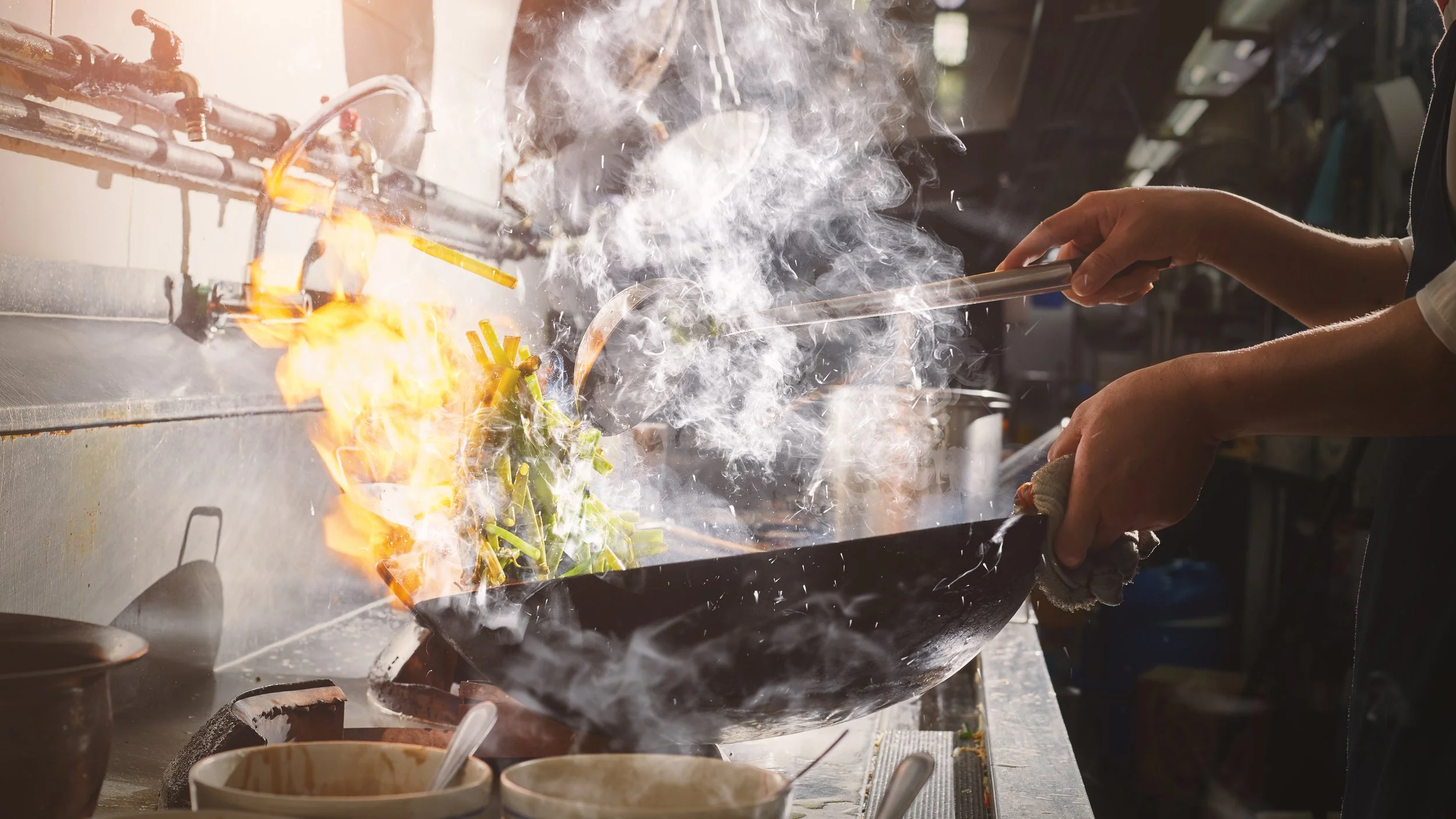
Your restaurant kitchens are your oathmakers. The teams in your restaurant kitchen deliver on every single promise you make to your customers. For that they deserve your support, compassion, and partnership. Your kitchen team is a vital team in your organization. It’s important that you treat them that way.
What does that look like in practice though?

Operational Basics.
Treat the kitchen and their rhythm as sacred. Do as little as possible to disrupt the flow of the kitchen. (Is there a Dune reference here somewhere?)
SO. In practice that looks like…
Make the right choice. You will find yourself in a position some day on putting something in place that will either make YOUR job easier or your kitchens’ jobs easier. In EVERY case, choose to make the kitchens’ jobs easier. You work in restaurant SUPPORT. Remember to support them to the best of your capabilities.
Delivery tablets belong to FOH. They don’t belong in the kitchen. I thought this was universally understood until recently. They disrupt the flow and working in a restaurant kitchen is hard enough as it is. Don’t make it harder by disrupting the flow.
Support restaurants outside of normal working hours. Make sure someone is available to answer questions or help the restaurants with issues during their open hours (which are likely outside of normal business hours). Whether that’s you, a team, or IT, make sure the support team has training, documentation, and access to whatever they need to help the restaurants.
Keep them in the loop. When you need to test something that will fire to the POS, always test with the restaurant. For two reasons - 1.) You might have a really awesome lab, but labs are for TESTING. Sometimes the configuration settings get changed. Just happens as part of testing. Test to a live restaurant to make sure it actually works with your restaurants’ actual configuration settings. 2.) The restaurant team can look at that order and tell you right off if there’s a major problem with the order. You can’t get that from a lab.
When testing there are 4 rules. These are my rules, but if you follow them, you’re doing good by your restaurant teams.
Rule 1: Notify them. Let the restaurant know ahead of time that you want to do testing. And make sure that time works for them. If they’ve got a huge catering order, pick a different time or location. It’s like the internet in the above situation. Let people know ahead of time when you’re interrupting their normal day.
Rule 2: Test when closed. Don’t test when the restaurant is open, if there’s no technical reason why you can’t. Coordinate with the team to test some morning before open or after close for the night. This way the kitchen won’t mix up test tickets with real tickets.
Rule 3: Follow up immediately. Either be on the phone with the restaurant when the ticket should fire or call them immediately after it would’ve fired. This affirms if the ticket actually fired and allows the team to collect the tickets from all the stations so it doesn’t get made later.
Rule 4: Indicate “TEST” on the ticket. Change the name on the ticket or in special instructions as “Test” or “Do Not Make”. This is the most likely rule that cannot be honored because of technology. Especially if you’re testing 3rd Party Delivery. You can’t change the name away from your name and, if Special Instructions have been disabled, there’s no way to add a note to the ticket. HOWEVER, if you were able to satisfy the other three rules, it should be no big deal. If it ends up being a big deal, you might’ve missed a step.
If you do the things above, your kitchen teams are going to appreciate THE HELL out of you. When I was on the brand side, treating the kitchens with respect helped me foster a great relationship with the field teams. I miss that connection a lot, if I’m being honest.
So. We’ve level set about making sure you’re taking care of your restaurants. Let’s move on to talking about customers real quick and then end with the actual menu 101.
Customer Basics.
Make sure your customers have everything they need.That means that they don’t have any questions. They can lock in and complete their order. What does THAT look like?
If there’s anything on the menu where a customer would normally have to “ask their server” for, don’t include those items on the menu.
WHY?
Because that makes the customer call the restaurant. The last thing you want your customer to do is call the restaurant. No one in your restaurant wants to answer the damn phone. Don’t make part of SOP to make someone answer a silly question. These calls come in when your restaurants are busy. You’re interrupting the flow of the kitchen. Also, one of the reasons you got online ordering so that your team didn’t have to answer calls. Don’t undo the progress you’ve done. Remove anything from the menu like “Soup of the Day” or “Seasonal Vegetables” so that your team doesn’t need to answer what those are.
It takes attention away from the order. When you shift a customer’s attention when they’re going through the online ordering process, you’re creating an “abandonment point”. That’s a part of the process where a customer decides that this is too complicated and they should just order pizza. From now on, I’m calling it a “Pizza Pivot Point”.
Also, don’t induce Analysis Paralysis. Make sure you’re not asking your customers to make too many decisions, or to give them too many options. This can be exhausting to someone who might’ve spent their entire day making decisions. They get overwhelmed by the number of choices and they end up just giving up and getting pizza or drive-thru tacos.
These are the couple of things that are customer centric. The last bit of information that you need to know is the basics on how to build your menu.
Menu Basics.
Menu Components. When you’re building your online menu, assume that the people looking at this menu are new to your brand. Think about your menu as though you know absolutely nothing about your own brand. What does that look like?
Menu Category Names. Since we’re building from a place where our brand is unknown, only use category names that are standard or well known. Appetizers, Soups + Salads, Entrees… you know? The average boring category names. I know this is going to piss off some Marketing purists. Know that this comes from a place of love. You can use the colorways, fonts, graphics, pics, mascots of your brand. Just don’t use weird category names.
Item Descriptions. Your marketing team can GO TO TOWN on item descriptions but they should hold two goals in mind with each description - the food should be described as mouthwateringly irresistible, but it should also provide description in such a way that someone with a dietary preference or an allergy will understand if this item is safe or not. You can use the remove menu modifiers to bolster those points.
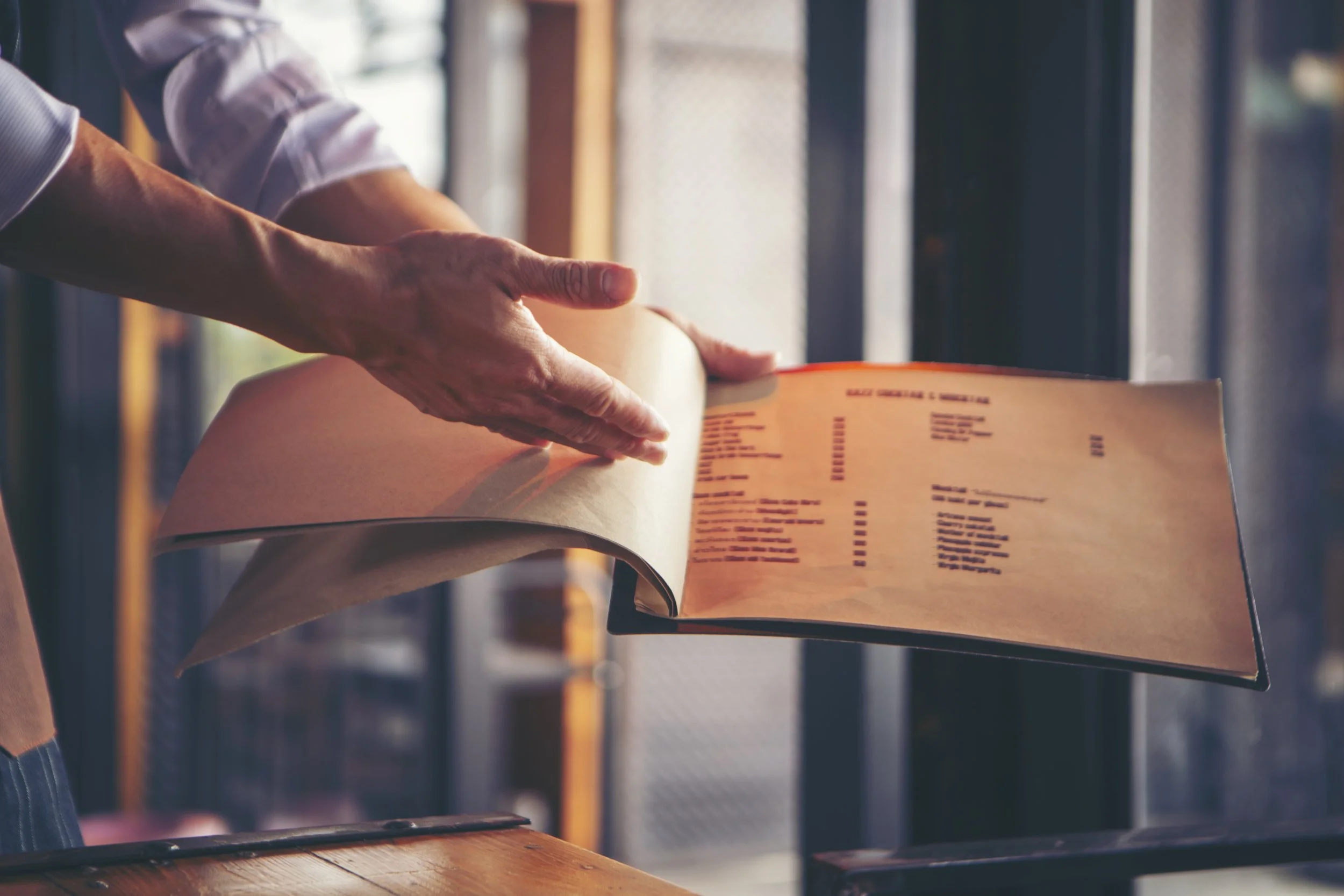
Food Photography. With pictures, underpromise and overdeliver. When menu photography is executed, it is not uncommon that a picture will mistakenly have too many or too few items in the picture. Let’s say you’ve got an entree with one side, but the picture very obviously has two sides. Your graphic designer might be up to their eyeballs in an LTO planning so can’t fix the picture right away, but you need a picture now. (This is part of making lemonade, btw.) You have two options - you can just post the picture with two sides or you can crop the picture so it shows no sides. ALWAYS pick the option where you’re undershowing what they get. The reason being that some people will see that picture, and they will assume that the entree comes with two sides. They will believe the picture over the actual menu item description. And what’ll they do when they get their food and there’s only one side? Yup, they’ll call the restaurant. Which is exactly what we don’t want.
Menu Availability. When you’ve dialed in your menu, make sure it’s available all the time - not just when the restaurant is open. Most online ordering software will show a pop-up with the next available time, making customers aware that their order will be for tomorrow.
When I was on the brand-side we’d get $2k-3k in orders overnight that were pretty obviously from office managers taking advantage of quiet times to make a group order. Also, if you have holiday meals, it’s inconvenient to make people order ahead strictly during times when restaurants are open.
Regarding large To Go orders - it’s a good idea to have a conversation with your Catering team about the overlap of Large To Go orders vs Small Catering orders. There should be an overlap and there should be a cut-off somewhere for online To Go. You maybe don’t want someone to order $10k for To Go… Also, there are certain orders where a Catering Specialist should be involved. Make sure there’s conversation around what all of that looks like. In my experience, your Catering team is usually an afterthought. Pull them into the conversation.
Consider Different Menus for Different Reasons. Also, you should have more menus on your website than just your online ordering menu.
At some point, someone in your leadership is going to make decreasing online abandonment rate part of your KPIs. (If they’re not already part of it). When your online menu is THE ONLY menu on your website, your abandonment rate will always be inflated.
You have two options for additions. You should consider both for different reasons.
HTML menus. I know, I have some trauma around this too. You should consider adding an HTML menu to your website because the search engine web crawlers read the HTML menu to see what kind of food is available at your restaurant. So, if someone searches for “banana splits near me”, and YOU offer Banana Splits and happen to be nearby, you’ll show up in the native search. It’s an easy way to include your restaurant in those search results. It’s FREE
Your online menu often resides on your online ordering company’s website so it can’t be crawled for your benefit. (Also, the functionality might make it near impossible to be crawled in any meaningful way.)
I’ve had to manage the updates for two dozen different HTML menus for quarterly menu updates (including price) and it was bananas. So, here are ways to make this more manageable:
You have my permission to NOT include pricing on your HTML menu. That way you only need to have one and not a hundred.
You need to choose if you’ll have just your core menu for your HTML or an exhaustive list of all the items available at all locations (with the “price and availability vary by location” caveat on the menu). There are pros and cons for both, that’s a decision that you’ll need to make for your specific brand.
If you must have several HTML menus on your website, this is a good place to use AI to create your menu variations. Please Note: You are responsible for any work that AI does on your behalf. Because of this, it’s important to give yourself time to verify the work that AI did. An excuse of “AI messed up, I didn’t” will NOT fly with your franchisees. Make sure you check it.
PDF Menus. This allows people to print or share your menu via email if they’re having a big dinner or ordering from your restaurant. This is an easy one to add if you have print menus for dine-in. You can crop the menus to remove print marks from the margins and resave and the online pdf menu. You would place these menus on the locations page. Each location can have a pdf of the dine-in menu. It’s also a great excuse to include your catering trifold on the location pages as well.
Please Note: It must be a PDF, if you have more than one page to your menu. PNG and JPEG files don’t support multiple pages.
Conclusion - Be a Bridge, Not a Silo. It is important to understand how your online ordering affects your kitchens. It’s easy to remember to talk to IT for buttons or Accounting about taxes. It’s less obvious to make sure that everything you do works for your kitchen teams. The more you work with other teams to understand their needs when you’re building something new, the easier those processes will get in the future. Why? Because you’ll start to understand what other teams need. Other teams being involved in your projects (when they’re affected), ensures the success of what you do. Build bridges, not walls.
Keep In Touch. Let us know if you have any questions or would like a deeper dive into specific subjects we’ve covered today. If you don’t have time to work through menu projects but want to get them completed, please reach out - we’re available to help. We offer deep discounts to independent restaurants.
Consider subscribing to our newsletter on LinkedIn or our website to keep up on our video posting schedule.
We’d love some examples of online ordering menus to walk through in future videos. Reach out if you’d like a respectful and professional review of your online ordering experience.
If you’re looking for some expertise in this space, I’m open to discussing fractional and advisory roles. I’m making decisions for next year at the end of October. Reach out sooner to make sure I have the bandwidth to help.
Let’s do this all again soon, yeah?